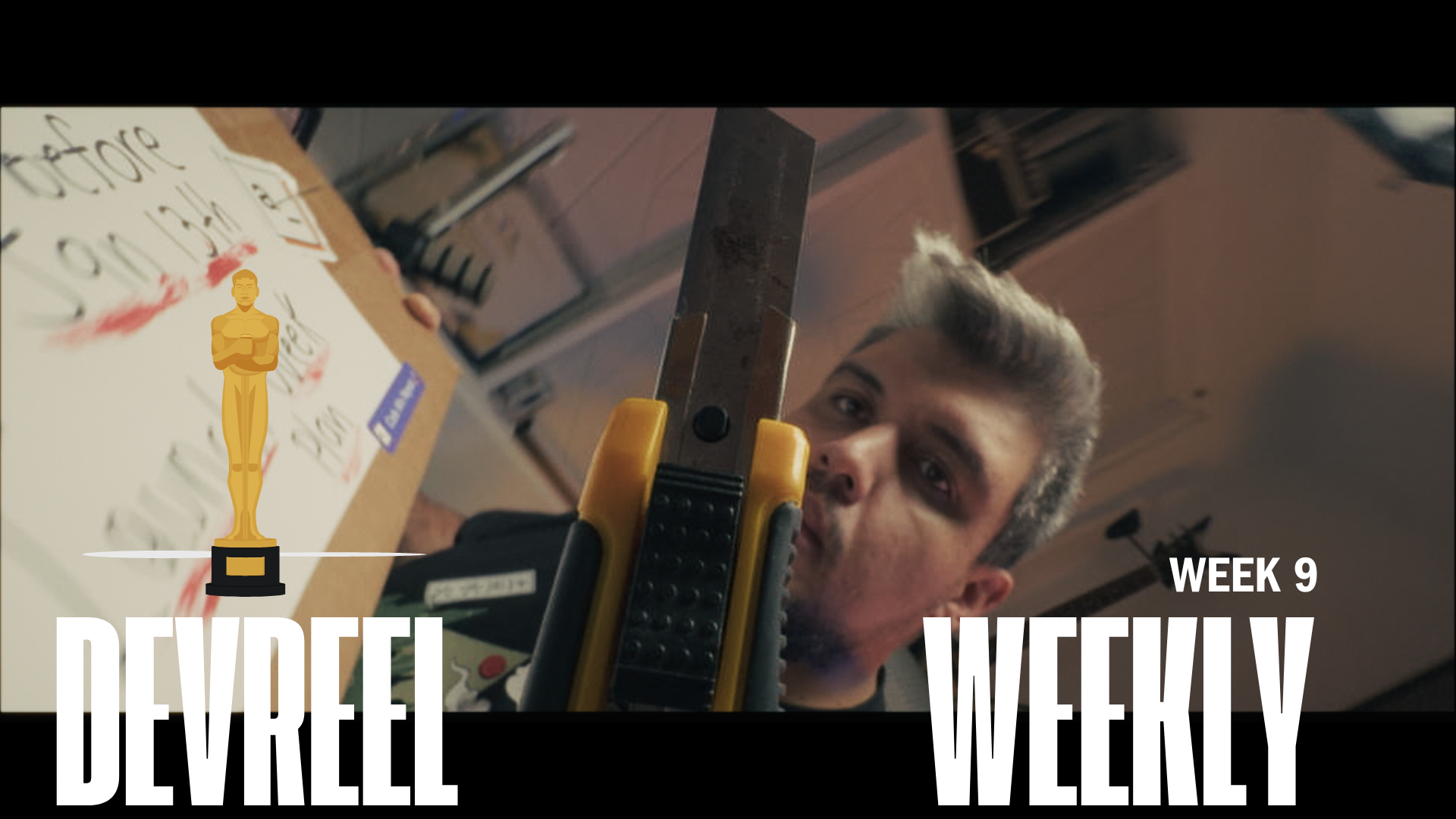
5 Oscar-Worthy Storytelling Lessons for DevRel 🎬 | DevReel Weekly #9
Senior Developer Advocate at Asana, prev Appsmith | Keynote Speaker & Storyteller | Google Developer Expert. 16+ years building technology for startups and enterprises (IBM, Google, Microsoft, Nintendo). 60+ keynotes worldwide. I turn complex tech into content that drives real product adoption. I help companies build DevRel programs that drive measurable adoption.
Welcome to Week #9! Last night, I watched The Oscars. As a person who loves cinematography and filmmaking in general, I try to incorporate great film techniques into my DevRel videos. As Developer Advocates, we're storytellers first, technologists second.
This year's Oscar nominees offer a masterclass in engagement, and I want to go over it.
📺 Video of the Week:
I want to bring a short film I did for a Launch event to go over the 5 Storytelling Techniques from Oscar Nominees You Can Use Today, that I THINK I was able to include in this short:
1. Start with tension (like "The Brutalist")
- Don't ease in. Drop viewers into conflict
2. Strategic camera angles (like "The Substance")
- Camera position shapes perception completely, low-angle shots are powerful, POV is involving, and eye-level shots build trust.
3. Create a clear protagonist (like "A Complete Unknown")
- Not your product. What builds stronger connections is the protagonists' journeys.
4. Build struggle (like "Nickle Boys")
- Your obstacles create empathy before your solution creates value.
5. End with emotional payoff (like "Anora")
Technical videos need emotional hooks too.
What does success feel like? Time saved? Problems solved?
🎯 Tip of the Week: Cut Editing Time by 70%
Just released my new tutorial: "How I Cut My Editing Time By 70%: Multicam + Speed Editor Davinci Resolve"
This workflow transformed my production output:
Proper multicam setup = No more toggling between angles
Speed Editor keyboard = Physical controls, not menu hunting
Real-time editing = Make decisions at playback speed
I show exactly how to:
Import and organize footage properly
Sync cameras (audio, timecode, manual)
Create multicam clips in the media pool
Use Speed Editor for maximum efficiency
Edit in real-time with multicam techniques
This is how I edit podcasts, interviews, and tutorials in 1/3 the time. WATCH IT, LEARN IT!
🛠️ Resource of the Week
Forget multiple monitors. My AOC AGON 49" curved monitor transformed my workflow.

For video editing, this thing is a game-changer:
Massive timeline view = See more of your edit at once
Side-by-side work = Source footage and timeline visible together
Single continuous space = No bezels breaking your view
The curved display keeps everything in your peripheral vision without head turning. For coding, I can have documentation, terminal, and IDE all open without tab switching.
3 things before you go:
1. Who inspires you? Reply and tell me.
2. Forward this to a DevRe who needs to level up their storytelling.
3. What technical tutorial would help you most? I'm planning next month's content.
Thank you, with love to you: Kevin Blanco